Rancher & RancherOS
[flow] st=>start: File Upload e=end: End op1=>operation: hooks-before-create-saveFileOnServer
Rancher is a complete container management platform that makes it easy to deploy and run containers in production on any infrastructure.
RancherOS is a minimalistic linux base OS that comes ready to run docker
Installing Rancher OS on a VM
Download the lastest stable iso image from Github and attach it to the cdrom drive of the VM
Choose the first option at boot time, and after the boot process id over, check the ip address so we can connect via terminal from our machine: ifconfig
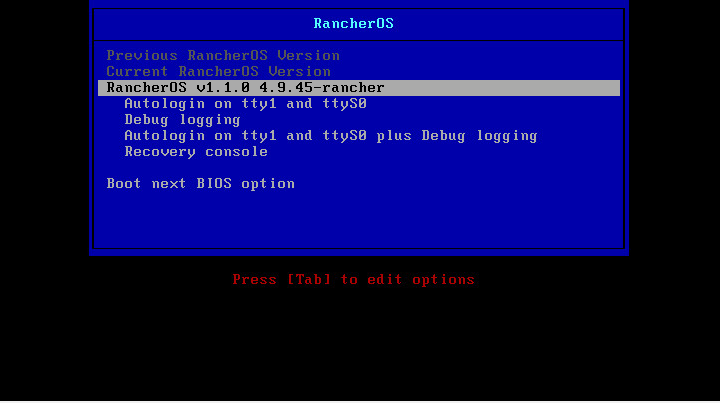
Change the password for rancher users sudo passwd rancher and access to the server via ssh
Before installing we need to create a SSH key and a cloud-config.yml file with the instalation configuration.
Simple cloud-config.yml file
rancher:
  network:
    interfaces:
      eth0:
        address: <YOUR IP ADDRESS>/<SUBNET>
        gateway: <YOUR GATEWAY IP>
        mtu: 1500
        dhcp: false
    dns:
      nameservers:
      - <NAME_SERVER_1>
      - <NAME_SERVER_2>

ssh_authorized_keys:
  - ssh-rsa <KEY>
Now run the installer: sudo ros install -c cloud-config.yml -d /dev/sda
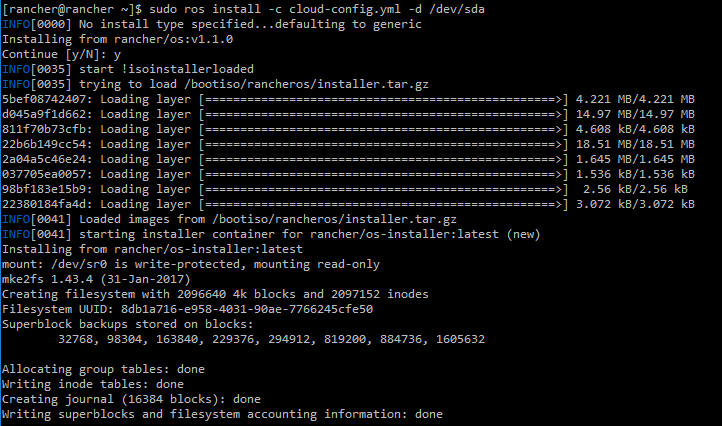
After we reboot the server we can now use the terminal and login using the SSH Private Key
Installing Rancher
On the RancherOS server run the command sudo docker run -d --restart=unless-stopped -p 8080:8080 rancher/server:stable
Docker will download and instllar the rancher containers
After the instalation is finished rancher can be accessed at http://host_ip:8080
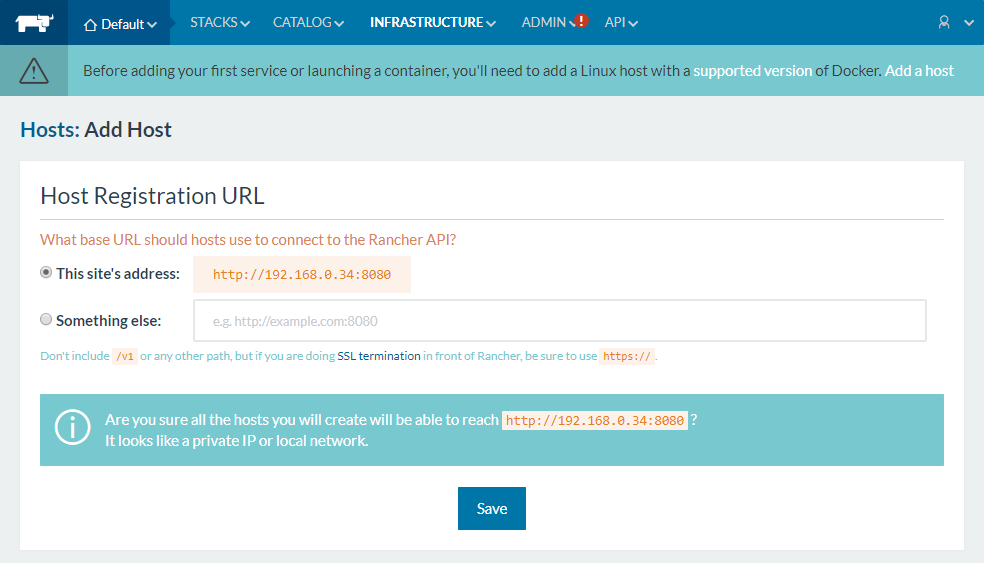
On first access you will be asked add a Host. Click on the link Add a host, fill the fields accordingly save and follow the rest of the configuration.
Found errors? Think you can improve this documentation? Simply click the Edit link at the top of the page, and then the icon on Github to make your changes.